
Audio-Visual Production Bootcamp: Camera, Editing & Sound
Categories: Media
Wishlist Share

About Course

Bring your creative vision to life behind the lens and in the editing suite. The modern media landscape demands creators who understand the entire lifecycle of content production. This intensive 8-week blended bootcamp takes you on a complete journey—tracking assignments seamlessly from your initial physical camera captures up to high-tier post-production outputs.

Whether you are looking to capture unforgettable milestone events or engineer cinema-grade audio tracks, this course provides deep, hands-on mastery. You will train using industry-standard software: Adobe Premiere Pro for advanced cinema editing, Wondershare Filmora for rapid-turnaround social media content creation, and Adobe Audition for broadcast-quality multi-track audio mixing.

Show More

What Will You Learn?

  • The Exposure Triangle Mastery: Confidently shoot in full manual mode on any DSLR or mirrorless camera by balancing aperture, shutter speed, and ISO.
  • On-Set Production Mechanics: Set up multi-point lighting arrays and deploy physical audio capture gear (lavaliers, shotguns) flawlessly on location.
  • Multi-Genre Photography: Execute professional photography workflows across high-demand sectors, including portrait, wedding, live-action event, and travel photography.
  • Dual-Platform Video Editing: Master precision narrative assembly using Wondershare Filmora for quick-turnaround media and Adobe Premiere Pro for complex multi-camera timelines.
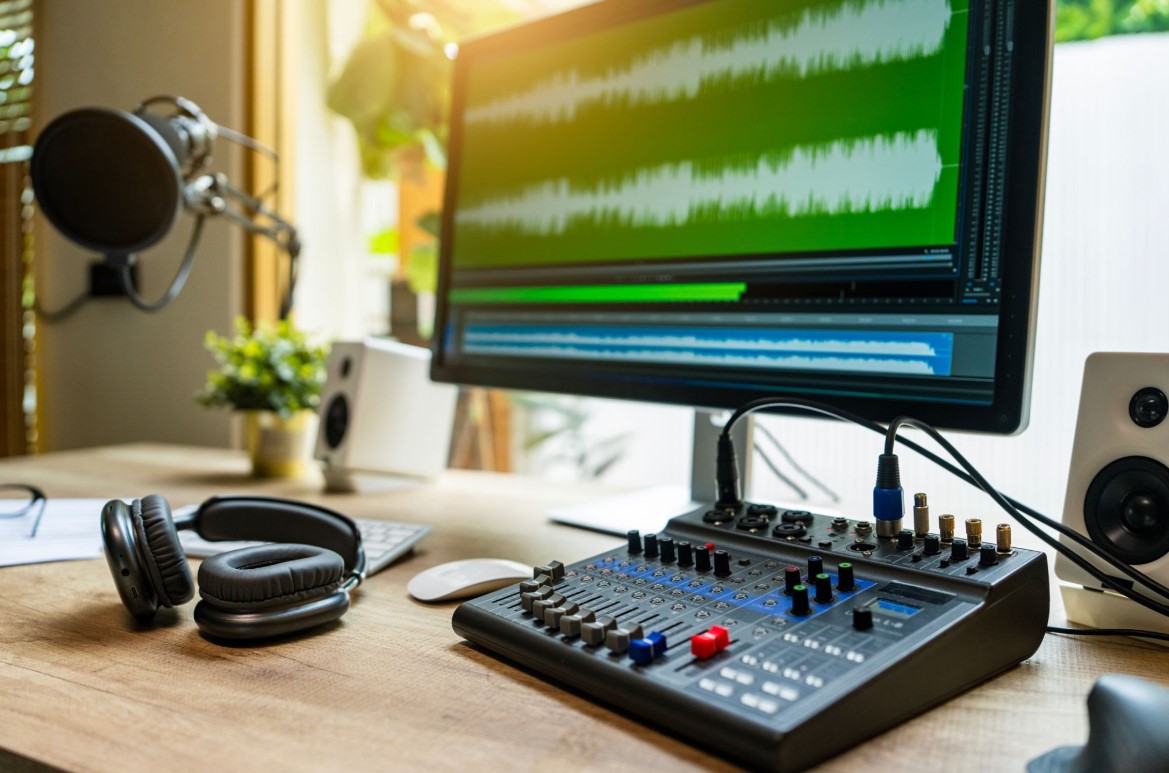
  • Audio Post-Production Engineering: Clean up low-quality audio, remove background ambient hiss, and execute immersive multi-track sound design and mixing.

Course Content

Topic 1: Camera Anatomy & Photography Foundations (Week 1)
Lesson 1.1: Welcome to Audio-Visual Production: Equipment Overview & Safety Lesson 1.2: Demystifying the Lens: Focal Lengths, Focus Modes, and Sharpness Secrets Lesson 1.3: Mastering Manual Exposure: Balancing Aperture, Shutter Speed, and ISO Lesson 1.4: Composition Frameworks: The Rule of Thirds, Leading Lines, and Depth Perception Lesson 1.5: [Field Assignment] Capturing Raw Textures & Atmospheric Shadows

Topic 2: Commercial Photography Styles & Lighting (Week 2)
Lesson 2.1: High-Tier Portrait Photography: Posing, Angles, and Subject Interactivity Lesson 2.2: The Wedding & Event Blueprint: Timelines, Shot Lists, and Candid Framing Lesson 2.3: Environmental & Travel Photography: Telling Stories with Environments Lesson 2.4: Introduction to Lighting: Natural Light Manipulation vs. Studio Strobes/Diffusers Lesson 2.5: [Studio Lab] The Single-Light Professional Headshot Challenge

Topic 3: Cinema Videography & On-Set Production (Week 3)
Lesson 3.1: Transitioning from Stills to Motion: Frame Rates, Shutter Angles, and Codecs Lesson 3.2: Camera Movement Dynamics: Pans, Tilts, Zooms, and Tracking Shots Lesson 3.3: On-Set Audio Capture: Deploying Shotgun Mics, Lavaliers, and Field Recorders Lesson 3.4: Conducting the Interview Shoot: Multi-Camera Setups & Three-Point Lighting Lesson 3.5: [Practical Assignment] Scripting and Filming a 60-Second Mini-Documentary

Topic 4: Fast-Track Video Editing with Wondershare Filmora (Week 4)
Lesson 4.1: Filmora Interface Layout: Timeline Management and Basic Media Importing Lesson 4.2: Safe Cutting Techniques: Trim, Split, Ripple Edits, and Pacing Your Story Lesson 4.3: Incorporating Native Assets: Text Overlays, Motion Elements, and Built-In Transitions Lesson 4.4: Editing Content for TikTok, Reels, and Social Feeds (Vertical Aspect Ratios) Lesson 4.5: [Project Milestone] Exporting a Social Media Promo Video via Filmora

Topic 5: Cinema Post-Production in Adobe Premiere Pro (Week 5)
Lesson 5.1: Transitioning to Premiere Pro: Workspace Customization and Smart Project Scaffolding Lesson 5.2: Advanced Timeline Workflows: Multi-cam Synchronization and Nested Sequences Lesson 5.3: Narrative Continuity: The Art of the J-Cut, L-Cut, Match Cut, and Cross-Dissolve Lesson 5.4: Speed Ramping, Keyframing Motion Attributes, and Basic Video Stabilization Lesson 5.5: [Midterm Quiz] Editing Efficiencies & Technical Video Codecs

Topic 6: Cinematic Color Grading & Visual Effects (Week 6)
Lesson 6.1: Reading Video Scopes: Waveforms, Vectorscopes, and Assessing True Exposure Lesson 6.2: Lumetri Color Core Mastery: Global Corrections vs. Targeted Secondary Adjustments Lesson 6.3: Creative Stylization: Working with LUTs (Look-Up Tables) for Movie Aesthetics Lesson 6.4: Dynamic Graphics: Lower Thirds, Rolling Credits, and Simple Vector Tracking Masks Lesson 6.5: [Assignment] Color Correction Before-and-After Portfolio Display

Topic 7: Sound Design & Audio Engineering with Adobe Audition (Week 7)
Lesson 7.1: The Premiere-to-Audition Dynamic Link: Round-Tripping Projects Safely Lesson 7.2: Audio Restoration Lab: Spectral Frequency Editing for Hiss, Clicks, and Hum Removals Lesson 7.3: The Dialogue Polish: Applying Parametric EQ, Compression, and De-Essing Tools Lesson 7.4: Multi-Track Sound Mixing: Balancing Dialogue, Ambient Textures, SFX, and Music Scoring Lesson 7.5: [Audio Lab Assignment] Mixing a Clean Voiceover Track Over Complex Background Audio

Topic 8: Final Mastering, Portfolio Curation, & Industry Launch (Week 8)
Lesson 8.1: Export Standards: Mastering Bitrates, Metadata, and Codecs for Web, TV, and Cinema Lesson 8.2: Building Your Showreel: Editing a Dynamic 90-Second Commercial Montage Lesson 8.3: Client Relations: Quoting Big Projects (Weddings, Corporate Commercials, Audio Engineering) Lesson 8.4: Publishing Frameworks: Managing YouTube, Vimeo, and Local Broadcast Deliveries Lesson 8.5: [Capstone Presentation] Live Screening of Final Student Short Films & Peer Reviews

Scroll to Top