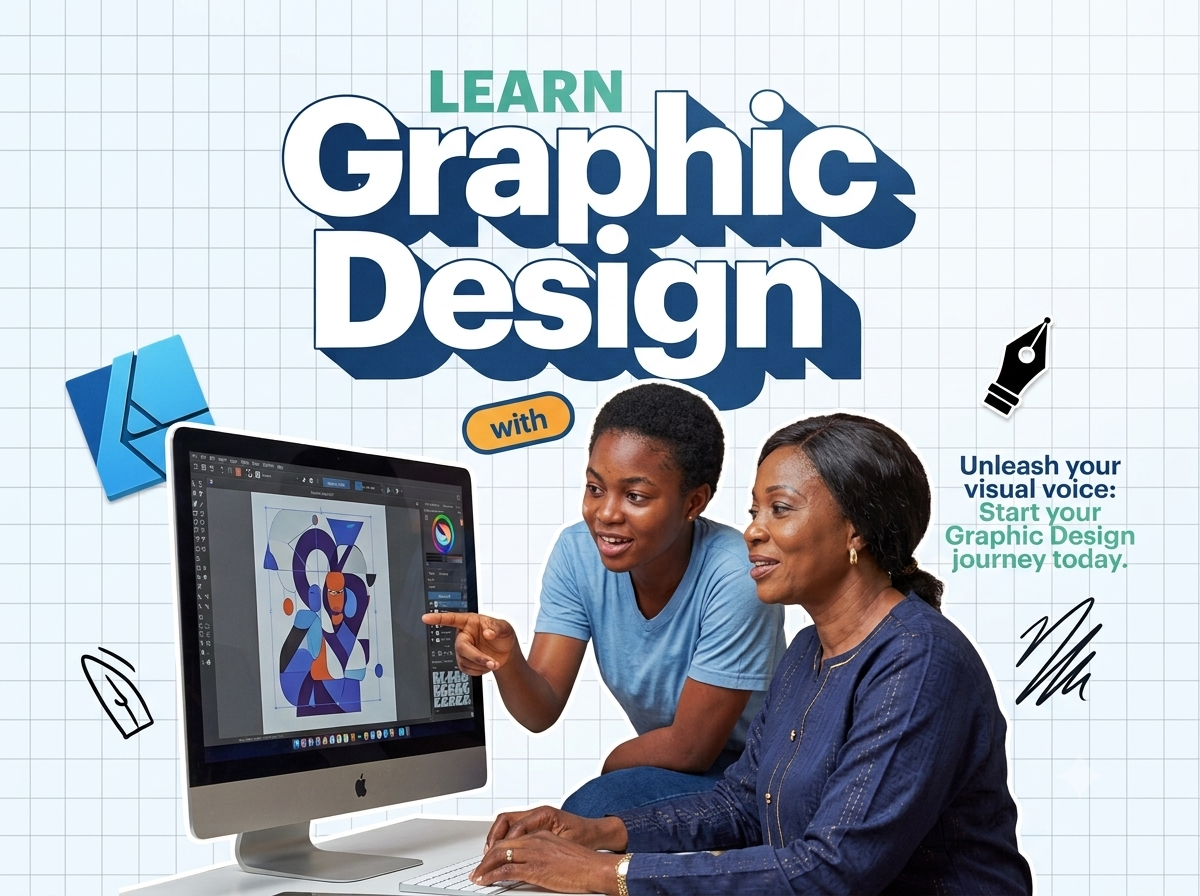
Graphic Design Masterclass

Categories: Media
Wishlist Share

About Course

Unlock your creative potential and turn your visual ideas into professional-grade digital assets. Whether you are looking to design show-stopping logos, launch a sleek digital marketing campaign, or master print publication layouts, this comprehensive 4-week bootcamp is your definitive roadmap.

Guided by industry-standard practices, you will master the “Big Three” of the Adobe Creative Suite: Photoshop for image manipulation, Illustrator for vector graphics, and InDesign for publishing and layouts. By the end of this course, you won’t just know how to use the tools—you will have a professional portfolio ready to pitch to global clients or employers.

Show More

What Will You Learn?

  • The Core Triad: Seamlessly navigate and combine Adobe Illustrator, Photoshop, and InDesign for a unified design workflow.
  • Branding & Corporate Identity: Design modern, scalable logos and establish coherent brand style guides.
  • Marketing & Social Media Assets: Craft high-converting flyers, social media ad banners, and digital marketing materials.
  • Print & Layout Mechanics: Master multi-page document design for magazines, newspapers, and brochures using grids and typography rules.
  • Commercial Mockups: Apply your flat designs onto 3D merchandise assets (t-shirts, packaging, stationery) for professional client presentations.

Course Content

Topic 1: Vector Mechanics & Branding Identity (Week 1)
Lesson 1.1: Introduction to Graphic Design Principles (Color Theory, Typography, and Composition) Lesson 1.2: Getting Started with Adobe Illustrator: Interface, Artboards, and Vector Basics Lesson 1.3: Mastering the Pen Tool, Shape Builder, and Pathfinders Lesson 1.4: Typography Mechanics: Choosing, Pairing, and Customizing Fonts Lesson 1.5: [Assignment] The Logo Design Challenge: Crafting a Corporate Identity

Topic 2: Digital Photo Manipulation & Visual Assets (Week 2)
Lesson 2.1: Adobe Photoshop Essentials: Layers, Selection Tools, and Non-Destructive Editing Lesson 2.2: Color Correction, Retouching, and Advanced Image Masking Techniques Lesson 2.3: Designing for the Web: Perfect Aspect Ratios for Instagram, LinkedIn, and Facebook Lesson 2.4: Creating High-Impact Marketing Flyers and Social Media Banner Adverts Lesson 2.5: [Quiz] Raster vs. Vector – Knowing When to Use Which Tool

Topic 3: Editorial Layouts & Publication Design (Week 3)
Lesson 3.1: Introduction to Adobe InDesign: Master Pages, Document Setup, and Spreads Lesson 3.2: Working with the Grid System and Structuring Multi-Page Document Layouts Lesson 3.3: Editorial Styling: Paragraph Styles, Character Styles, and Text Wrapping Lesson 3.4: Pre-flight Mechanics: Preparing Error-Free Designs for Commercial Print Production Lesson 3.5: [Assignment] Newspaper/Magazine Spread Layout Project

Topic 4: Professional Mockups, Portfolio, & The Business of Design (Week 4)
Lesson 4.1: Smart Objects in Photoshop: Placing Flat Artwork onto 3D Merchandise Mockups Lesson 4.2: Packaging Design: Aligning Visual Concepts with Physical Assets Lesson 4.3: Curation Secrets: How to Build and Organize a Standout Behance/Adobe Portfolio Lesson 4.4: Freelance Launchpad: Finding Clients on Upwork/Fiverr and Setting Your Design Rates Lesson 4.5: [Capstone Project Submission] Complete Brand Identity and Print Showcase

Scroll to Top